Carrying Proof of License on Your Phone
It's happened to all of us. You're heading out the door, pockets jingling with keys, wallet, phone, and then that familiar thought creeps in: "Did I grab my hunting license?" In the age of smartphones, it feels almost archaic to rely on a flimsy piece of paper for something so vital. The good news is, North Dakota has moved with the times, but understanding the nuances of carrying your hunting license proof on your phone is crucial to avoid a headache in the field. This guide will walk you through exactly what's acceptable, how to prepare, and why a little foresight can save your hunt.
The Official Word on Digital Licenses in North Dakota
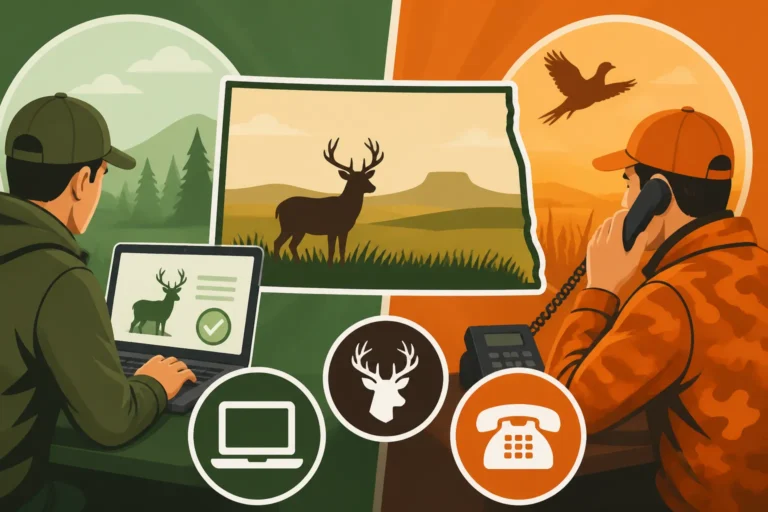
Let's cut right to the chase: North Dakota Game and Fish Department (NDGFD) generally does accept proof of your hunting license on your mobile device. However, "generally" is the key word, and there are specific ways to ensure your digital proof is as legitimate and easily verifiable as a physical piece of paper. You don't want to be caught in a situation where a game warden can't confirm your compliance.
North Dakota Game and Fish Department's Stance
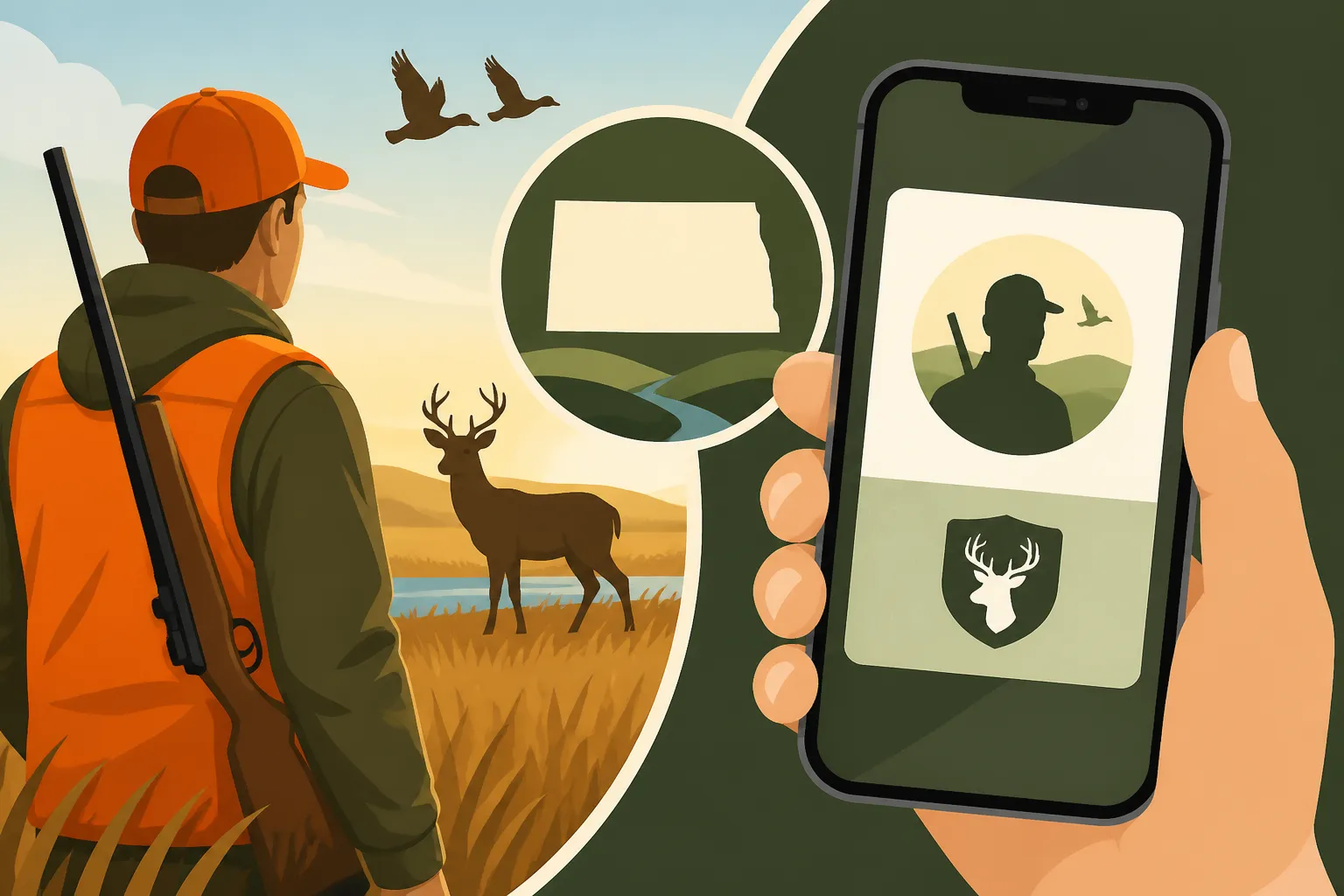
The NDGFD recognizes that technology is an integral part of modern life, and that includes how hunters manage their licenses. Their official stance allows for the display of valid licenses on a mobile device, effectively doing away with the absolute necessity of a physical printout for most state-issued licenses. This is a huge convenience for many, allowing for one less thing to keep track of in an already gear-heavy endeavor. The intent is to make hunting more accessible and less cumbersome, provided you can present the required information clearly and upon demand. Think of it as a digital wallet for your hunting credentials, which many states are adopting.
What Constitutes Valid Digital Proof
So, what exactly is considered "valid" digital proof? It's not just any old picture you snapped. The best and most secure form of digital proof is the official license file that you received or downloaded directly from the NDGFD's online licensing portal. When you Buying a License Through North Dakota's Online Portal, you're often given the option to download a PDF of your license. This PDF is the gold standard for digital proof. A clear, legible screenshot of this official PDF or the official license displayed within the NDGFD's online system is also typically acceptable. The key is that all the information — your name, license number, species, dates, and any relevant unit numbers — must be clearly visible and readable by a game warden.
What's not ideal, and might not always pass muster, is a simple confirmation email or a transaction receipt. While these might show you purchased a license, they don't always contain all the necessary details to confirm you are legally hunting at that moment for a specific species in a specific unit. Always aim for the actual license document itself, in a format that shows all the critical data. This applies to both North Dakota Resident License Options and North Dakota Nonresident License Options.
Exceptions and Nuances
While digital is largely accepted, it's vital to remember that some federal requirements or specific tags might still necessitate a physical component. For instance, the Federal Duck Stamp, while often purchased electronically, needs to be physically signed across its face and carried. North Dakota's state licenses might be fine on your phone, but if you're migratory bird hunting, don't forget that signed federal stamp. Additionally, any harvest tags or permits that require physical attachment to an animal after a kill, like those for deer or elk, obviously still need to be carried in their physical form. Your phone can't tag a deer. So, while your phone covers the basic license, always double-check if your specific hunt involves any physical tags or stamps.
Practical Tips for Reliable Digital License Display
Relying solely on your phone for proof of license introduces a few unique challenges that don't exist with a paper copy. You're now at the mercy of battery life, signal strength, and the general robustness of your device. Ignoring these practicalities can quickly turn a convenient digital solution into a major headache and potential violation in the field.
Ensuring Accessibility in the Field
The moment of truth usually comes when a game warden asks to see your license. You need to be able to pull it up instantly. This means not fumbling through emails or relying on an internet connection to download it. My strongest advice: download your official license PDF and save it directly to your phone's local storage. Better yet, take clear, high-resolution screenshots of each page of your license and save them to a dedicated folder in your photos or files. This way, even if you're deep in a coulee with zero cell service, your license is still readily available.
Consider creating a specific album on your phone titled "Hunting Licenses" or using a file management app to keep it easily organized. You don't want to be scrolling through hundreds of photos of your kids or your last BBQ trying to find that one crucial document. Imagine the frustration for both you and the warden! This quick access is paramount for both convenience and compliance.
Battery Life and Device Protection
This is perhaps the biggest Achilles' heel of digital proof: a dead phone is a worthless piece of plastic. When you're out Hunting North Dakota's Badlands Mule Deer Country or simply Walking a Pheasant Field at Midday on the prairie, you're often far from a charging port. Always start your hunt with a fully charged phone. Beyond that, invest in a good quality portable power bank. A small, lightweight one can fit in your pack and provide enough juice for several phone charges. Keep your phone in power-saving mode when not actively using it for navigation or communication.
Additionally, North Dakota weather can be brutal. A waterproof and shockproof phone case is not just a good idea for protecting your investment, it's essential for ensuring your license proof survives the elements. Dropping your phone in a slough or getting caught in a sudden downpour could render your proof inaccessible, putting your hunt at risk. Remember, the North Dakota Hunter Education Requirements emphasize responsibility, and that extends to ensuring you can legally prove you're hunting.
Screen Brightness and Legibility
When presenting your license to a game warden, it needs to be clearly readable. This means turning up your screen brightness, even if it drains your battery a bit faster. In direct sunlight, many phone screens can be difficult to read. Make sure your screen is clean, free of smudges and cracks that could obscure vital information.
Consider doing a "field test" before your season even begins. Go outside on a bright day and try to read your digital license. Is it easy to see? Can you quickly zoom in on specific numbers if asked? These small checks beforehand can prevent awkward moments and ensure a smooth interaction with enforcement officers. It's about making their job easier, which in turn makes your experience better.
Utilizing Technology: Apps and Digital Platforms
The digital age offers more than just saved PDFs; there are dedicated apps and platforms that can help streamline your licensing and outdoor experience. Knowing which ones to use and how they interact with official requirements is key.
The NDGFD's Mobile App and Online Portal
The North Dakota Game and Fish Department offers an official online licensing portal that is your primary and most reliable source for managing your hunting and fishing licenses. While they may not have a dedicated app solely for displaying your license, their website is mobile-friendly, allowing you to log in and access your license details directly. This real-time access can be invaluable for confirming license status, especially if you're applying for something like a North Dakota Bonus Antlerless Tag Purchase Rules mid-season.
Many hunters simply save the direct link to their personal license page or the general NDGFD licensing portal to their phone's home screen for quick access. This way, if there's any doubt, you can pull up the live, official record. It’s the most current representation of your licensing status.
Third-Party Apps and Digital Tools
Beyond the official state resources, a number of excellent third-party outdoor apps have become indispensable for hunters. Brands like GoHunt offer fantastic mapping and scouting features, and while they don't issue licenses themselves, they can be great for storing information. Many hunters use GoHunt to save screenshots of their official NDGFD licenses within a designated folder in the app, or even link to their online license portal. This integrates your proof of license with your mapping and scouting data, making it a one-stop shop for your in-field needs.
However, always remember that these apps, while powerful for Scouting PLOTS Land With the ND Hunt App and navigation, are secondary sources for license verification. The official NDGFD document or portal remains the ultimate authority. Use GoHunt or similar tools as a convenient storage and access method, but ensure the underlying image or link is to the official license file. You can also use other mapping apps like onX Hunt for similar storage capabilities. These tools help keep you organized, but don't replace the initial official download or screenshot.
Why Paper Still Holds Value as a Backup
Despite all the advancements in digital technology, there's a strong argument to be made for carrying a physical, printed copy of your license as a backup. It’s cheap, takes up almost no space, and never runs out of battery. Think of it as your ultimate failsafe. I always print out an extra copy of my North Dakota General Game and Habitat License Cost and my deer tag, and tuck it into a waterproof baggie in my backpack. It’s peace of mind, plain and simple.
Especially when you're dealing with something as critical as your legal right to hunt, having a tangible backup eliminates any potential technical glitches. If your phone dies, gets wet, or is lost, that paper copy ensures your hunt isn't over and you don't face questions from a game warden. It’s a simple, low-tech solution to modern tech problems.
What to Do When Technology Fails
We’ve all experienced it: your phone, despite your best efforts, decides to betray you in the worst possible moment. A dead battery, no signal, a frozen screen – any of these can leave you scrambling, especially when a game warden is standing in front of you asking to see your proof of license.
Lost Signal and Dead Batteries
Imagine this: you've just taken down a nice whitetail deep in a shelterbelt, you're miles from the nearest road, and your phone, which holds your license and is your only means of navigation, suddenly goes dark. No signal, no battery. In this scenario, you are effectively hunting without a license, which can lead to significant penalties, including fines and potential loss of hunting privileges. The North Dakota Wildlife Violation Penalties for hunting without a license can be severe, even if it's purely a technical issue.
This is precisely where the foresight of carrying a physical printout truly pays off. If your phone fails, having that paper license tucked away means your hunt can continue without legal jeopardy. It’s a simple precaution that prevents a minor inconvenience from escalating into a serious legal issue. Always carry a portable charger and remember to turn your phone onto airplane mode or low power mode if you're not actively using it for critical tasks like navigation.
Facing a Game Warden Without Digital Proof
If you encounter a game warden and cannot produce your license, whether digital or physical, you're in a tough spot. While many wardens are understanding and professional, they have a job to do, and that involves ensuring compliance with regulations. They might give you a chance to produce it later, but they are also within their rights to issue a citation on the spot. You might be asked to provide your details, and they can verify your license through their dispatch system, but this takes time and can be a frustrating experience for everyone involved.
The burden of proof is always on the hunter. You are responsible for proving you are legally hunting. "My phone died" or "I forgot to save it" are not legally defensible excuses. This situation can easily be avoided by being prepared. Make sure you know when your North Dakota License Year Start Date is and that you've secured all the necessary permits before heading into the field.
Proactive Planning for the Unexpected
Beyond the individual precautions, there are ways to proactively plan for unexpected tech failures. If you're hunting with a buddy, consider sharing a digital copy of your license with them, or at least ensuring they know where yours is stored on your phone in case you're incapacitated. For group hunts, this can be a simple way to have a redundant backup.
Regularly check your phone's battery health and ensure all your outdoor apps, including GoHunt or your preferred mapping tool, are updated. Old apps can sometimes be buggy and crash at inopportune moments. Also, before each hunt, make it a habit to quickly verify your license is accessible and your phone is charged. It's a small step that can save a lot of trouble and ensure your focus remains on the hunt, not on legal compliance. Whether you're tracking a deer in fresh prairie snow or Hunting a Badlands Draw for Mule Deer, your peace of mind is invaluable.
| Aspect | Best Practice for Digital License Proof | Backup / Contingency |
|---|---|---|
| Proof Type | Official NDGFD PDF or screenshot | Physical printout |
| Storage Location | Local device storage (e.g., Photos, Files) | Cloud storage (as secondary) |
| Accessibility | Dedicated folder/album for quick retrieval | Share with hunting partner |
| Battery Life | Start with 100% charge, use power-saving | Portable power bank, vehicle charger |
| Legibility | Clean screen, high brightness, no cracks | Physical copy if screen unreadable |
| Connectivity | Does not require cell service | Physical printout |
| Device Protection | Waterproof, shockproof case | Physical printout if phone is damaged |
| Relevant Apps | NDGFD portal/app, GoHunt | N/A |
Disclaimer
The information provided in this guide is for general informational purposes only and is not intended as legal advice. Hunting regulations can change, and it is always the hunter's responsibility to review the current North Dakota Game and Fish Department rules and regulations before participating in any hunting activity.